Screenshots
See guideXOS in action - Click any image to enlarge
guideXOS Server Screenshots
Screenshots from the current guideXOS Server v0.2.1 release
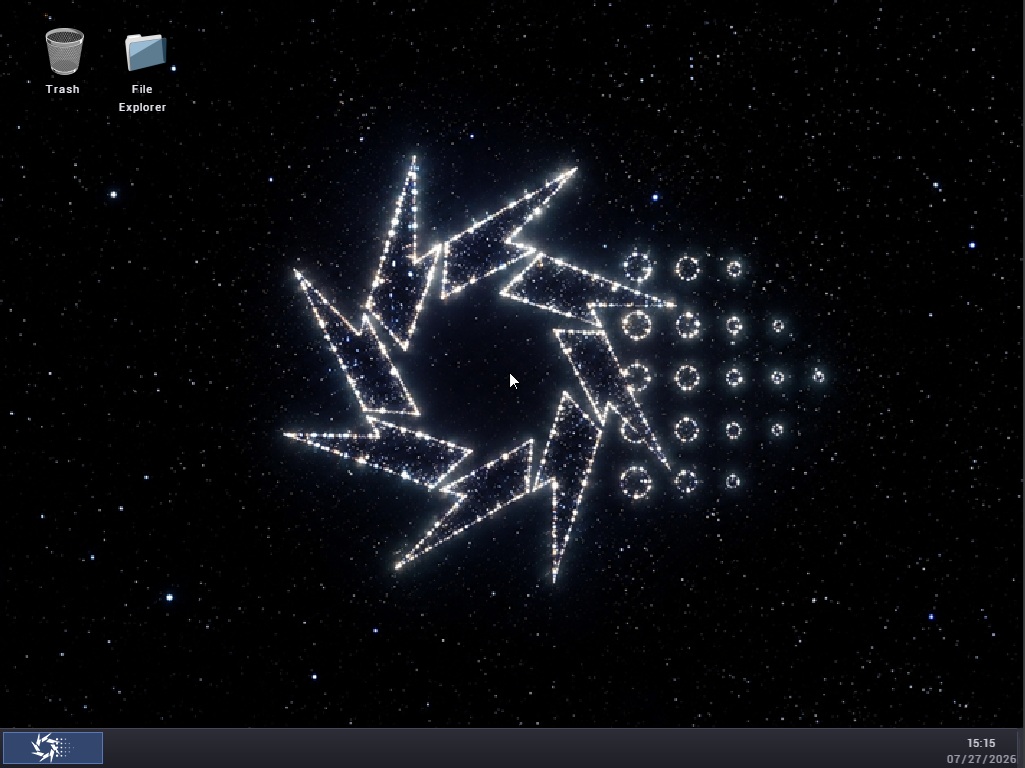
guideXOS Server Desktop
guideXOS Server Main Desktop with nothing open
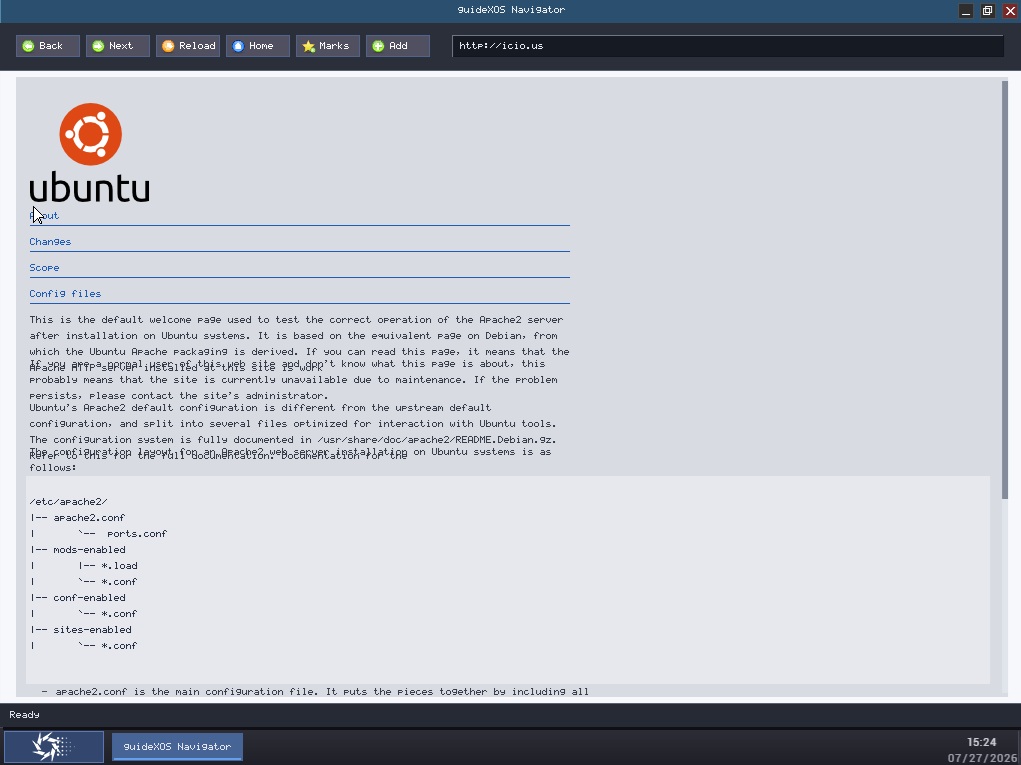
guideXOS Server Navigator
guideXOS Server Navigator web browser open on a random http page
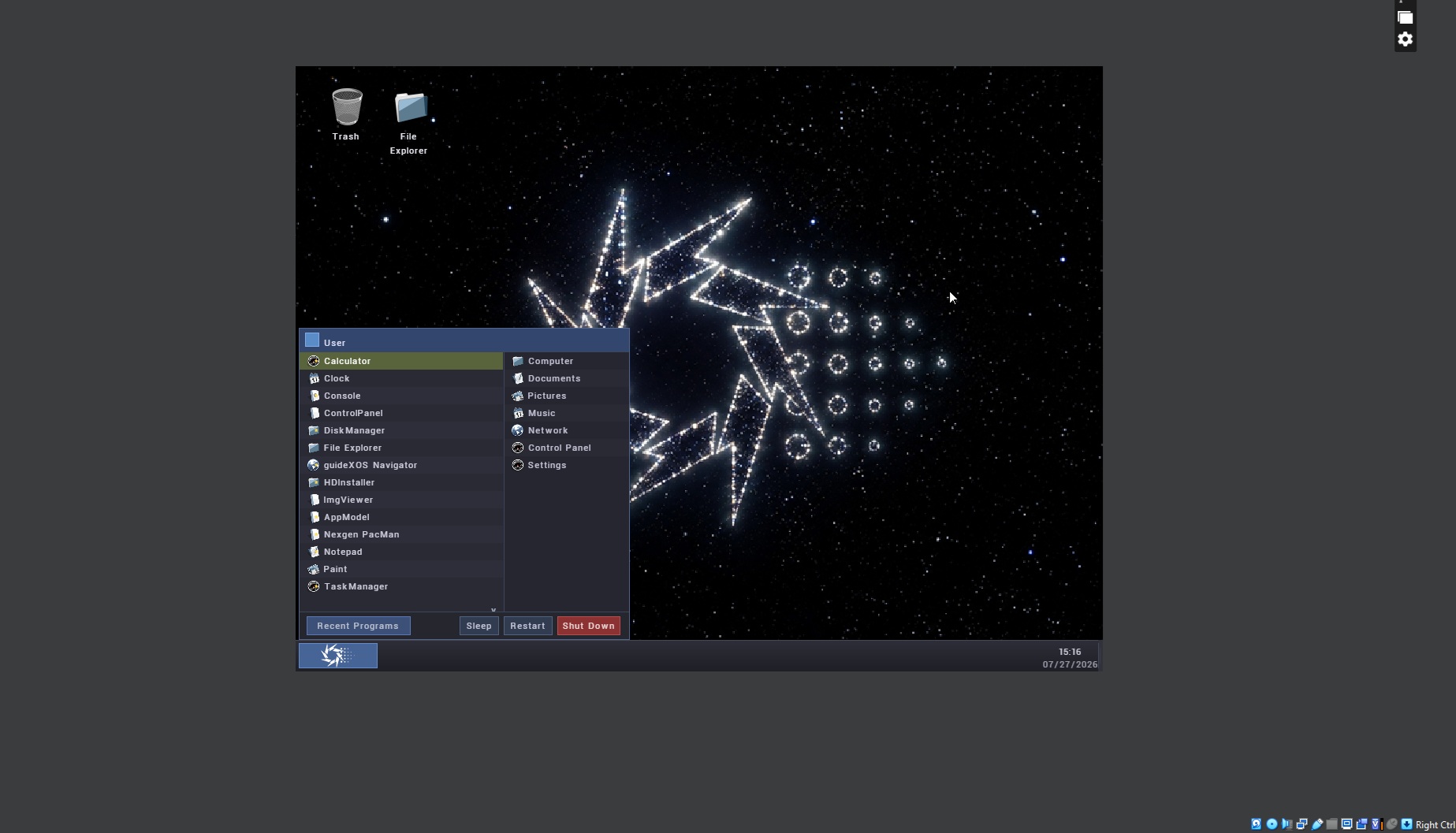
guideXOS Server Start Menu
guideXOS Server Start Menu
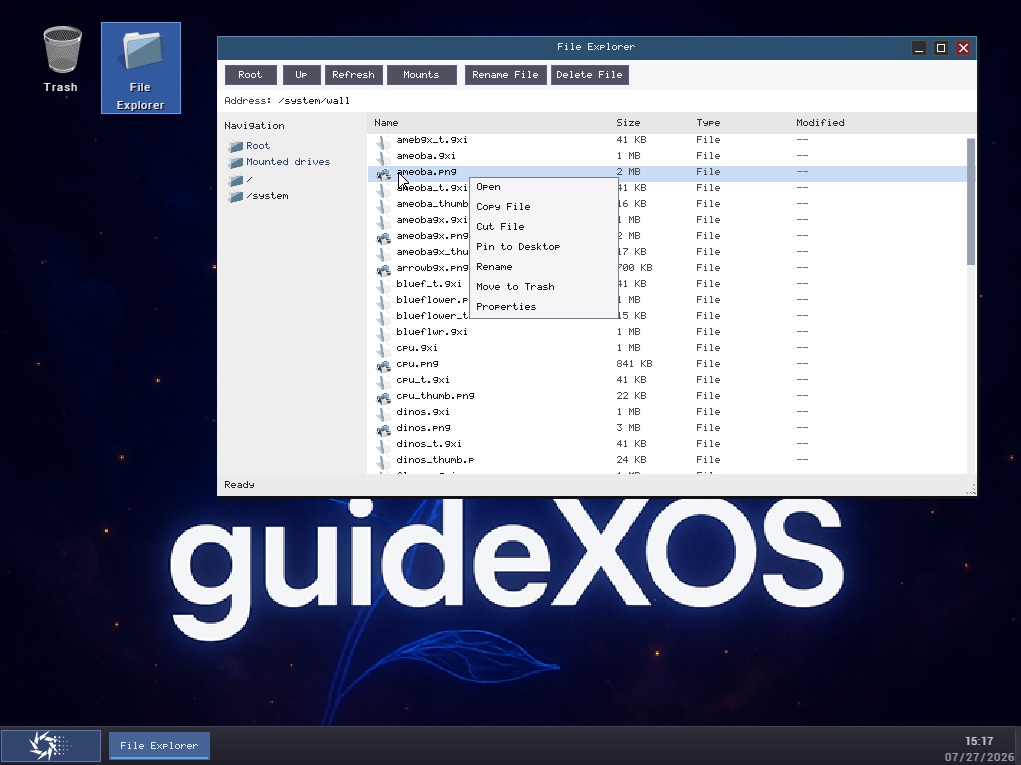
guideXOS Server File Explorer
guideXOS Server File Explorer
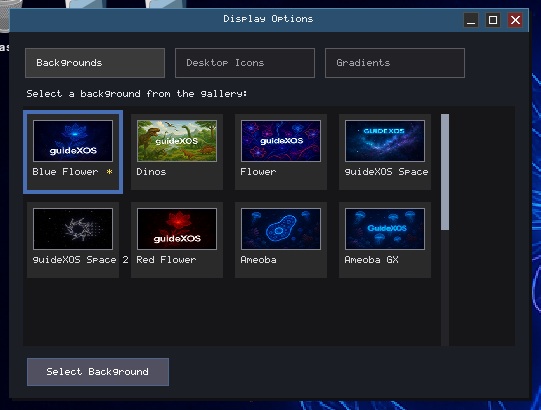
guideXOS Server Display Options
guideXOS Server Display Options
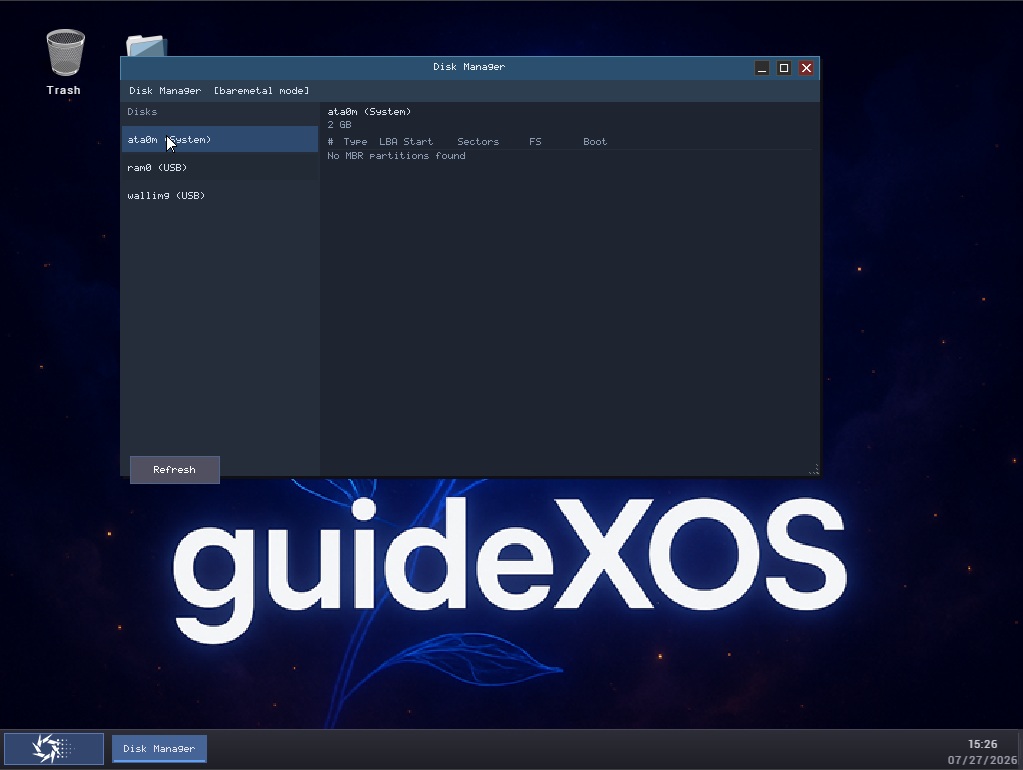
guideXOS Server Disk Manager
guideXOS Server Disk Manager
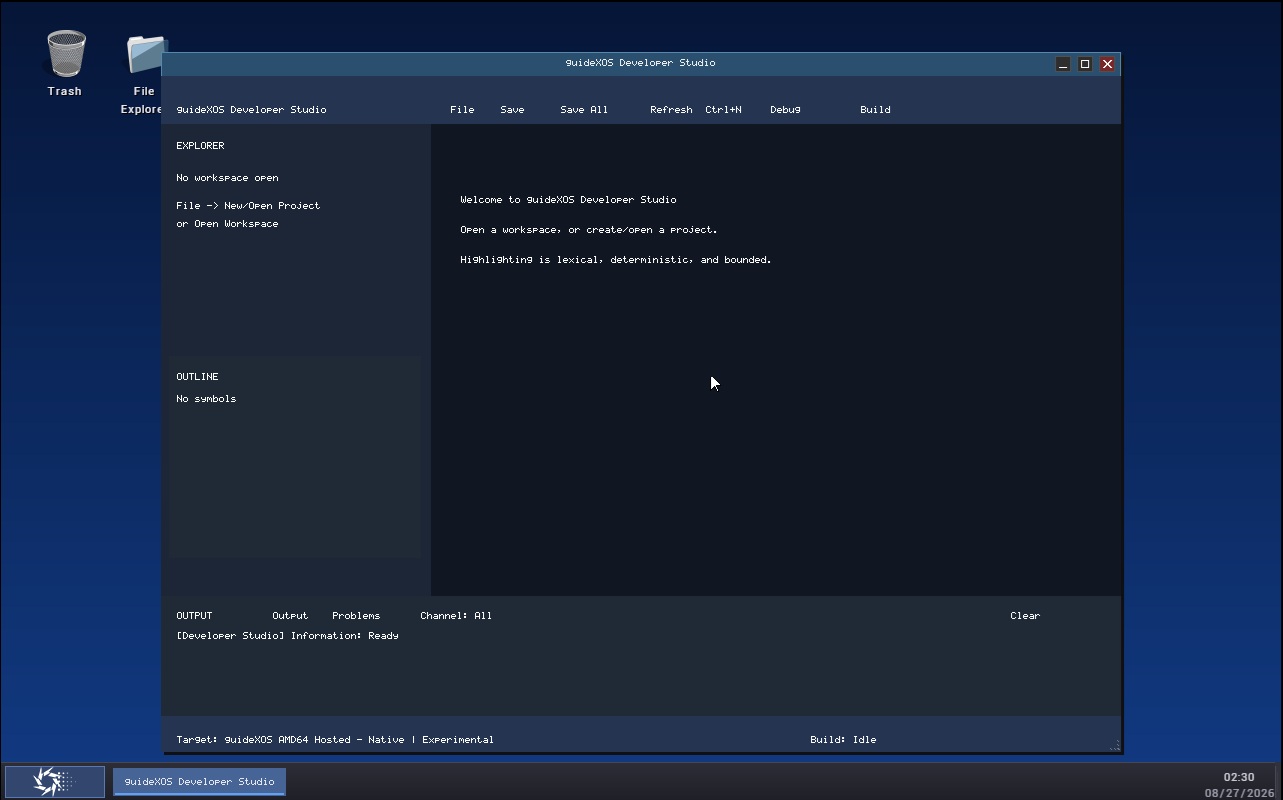
Developer Studio
Developer Studio running on guideXOS Server
guideXOS C# Screenshots
Screenshots from various versions of guideXOS Legacy

Splash Screen
Boot sequence with Team Nexgen branding
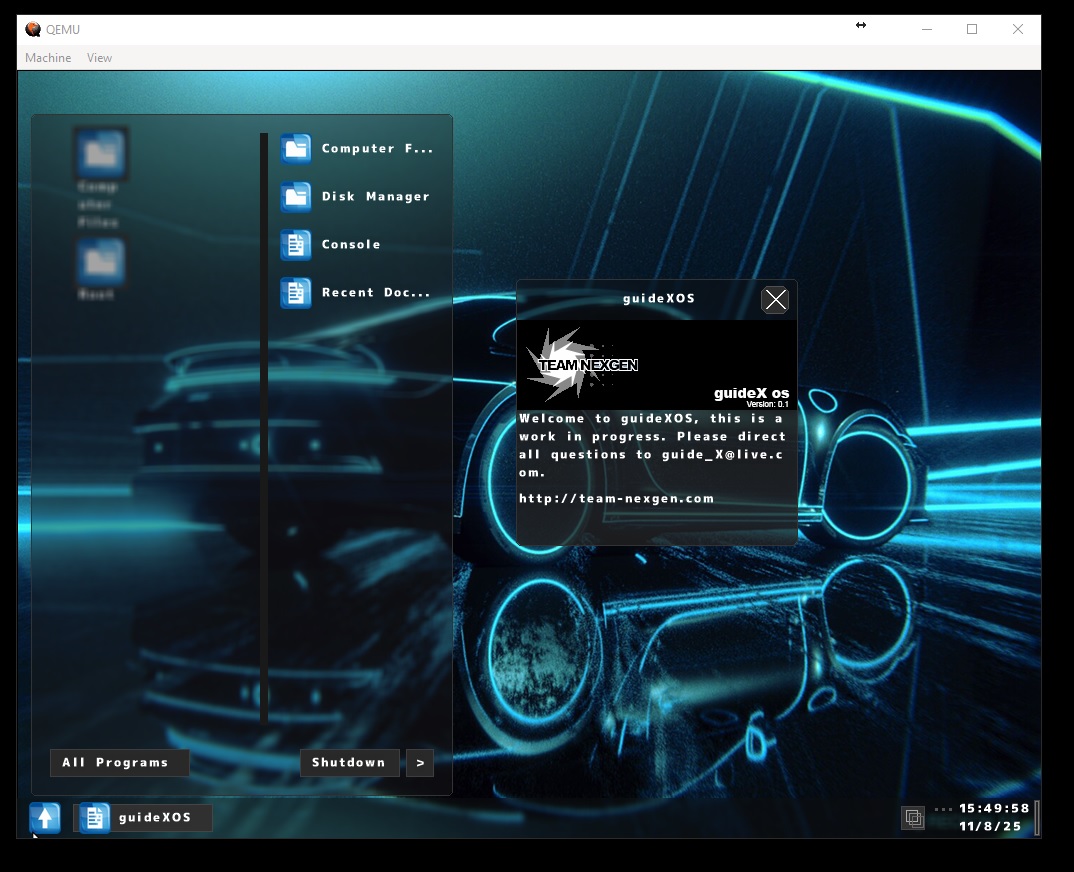
Desktop Environment
Full GUI with window manager, taskbar, start menu, and virtual workspaces
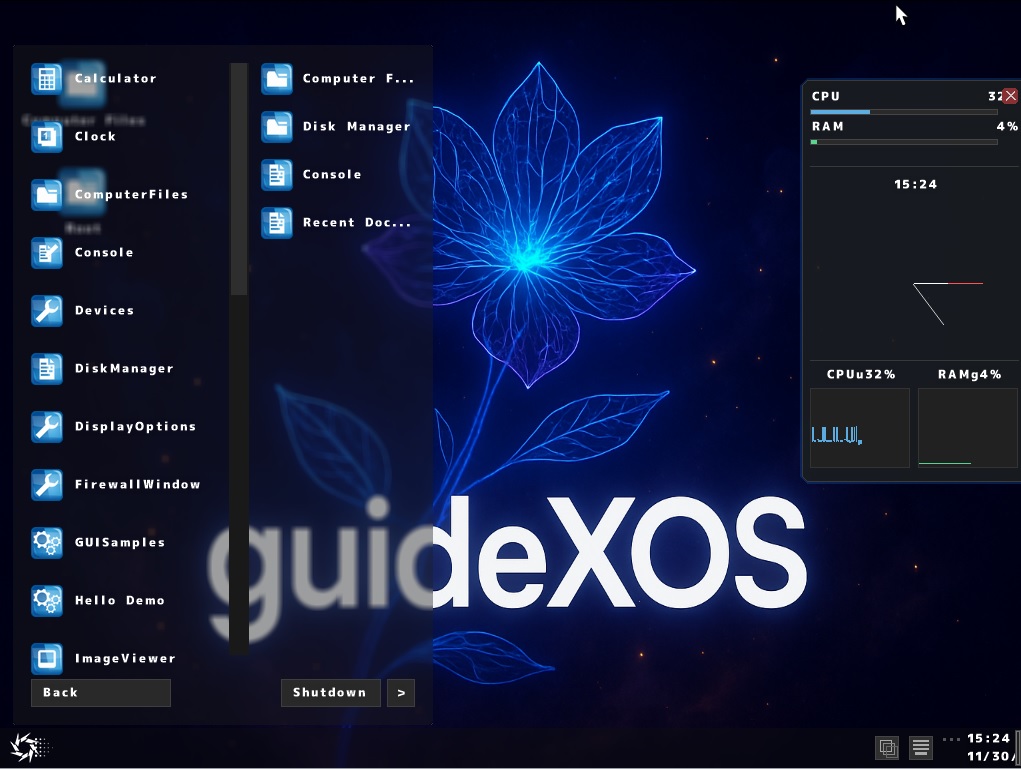
Start Menu
Access all applications and system functions
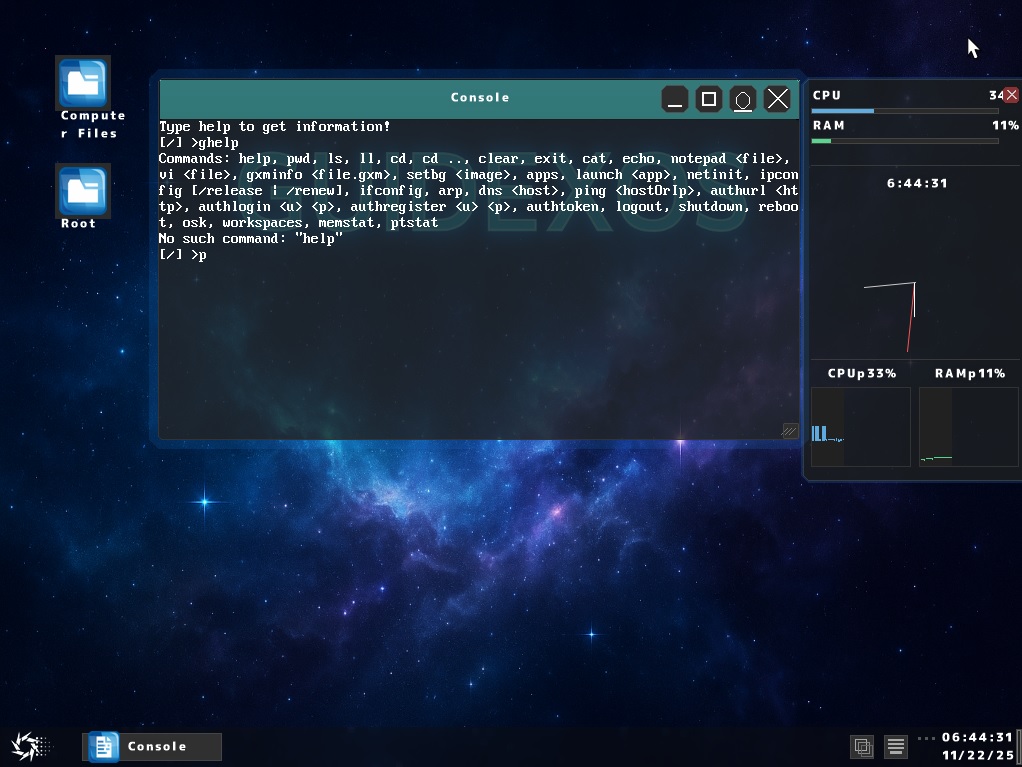
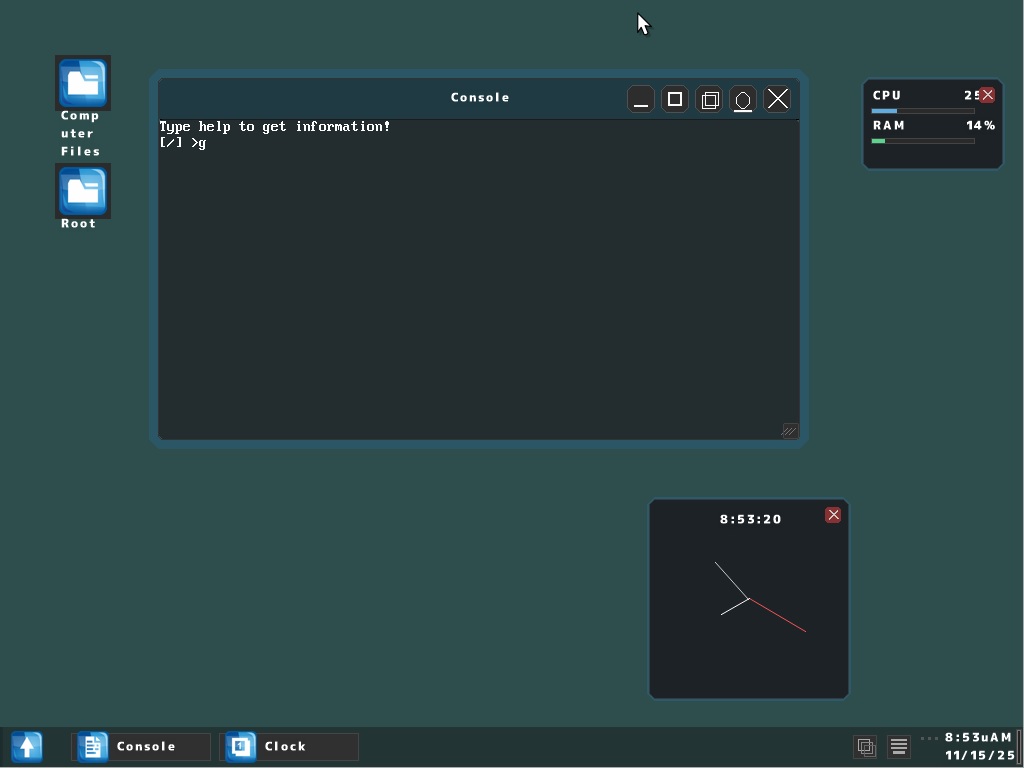
Console
Full-featured terminal with command support, file operations, and network utilities
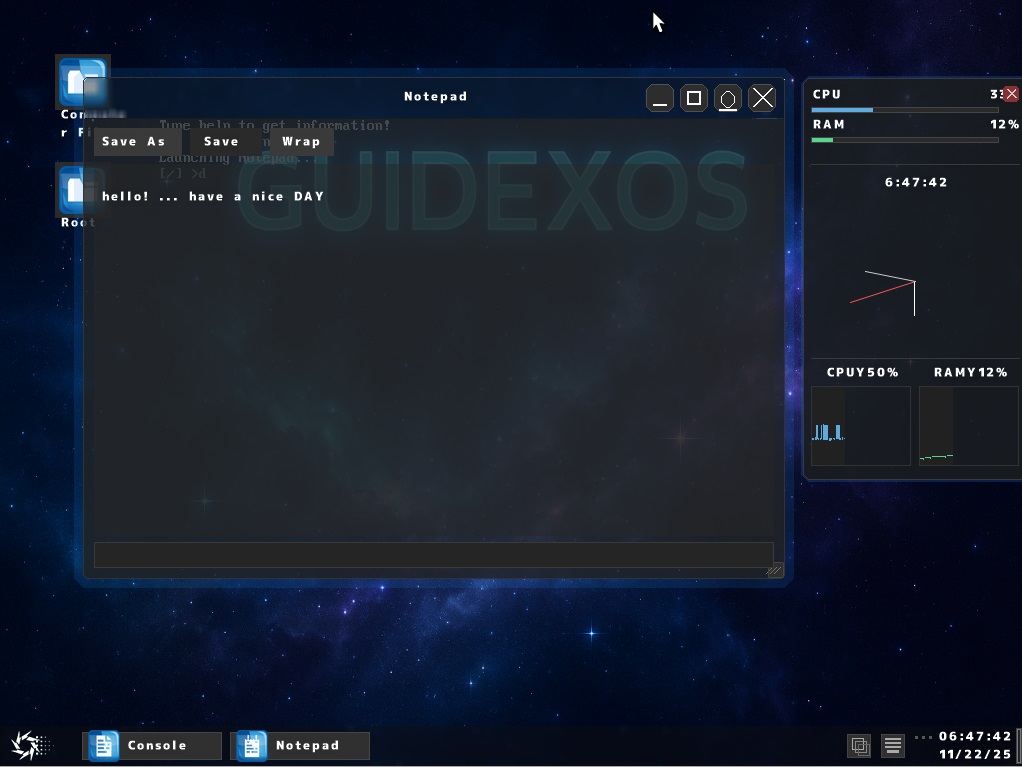
Notepad
Built-in text editor for creating and editing documents
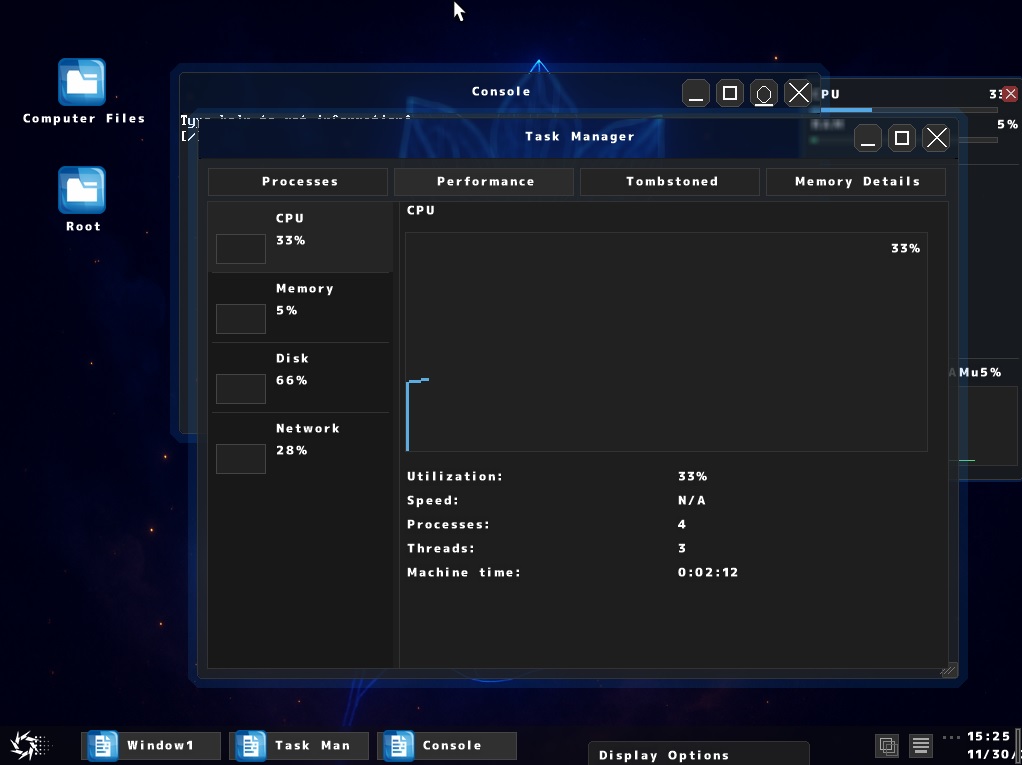
Task Manager
Monitor running processes, CPU usage, and system performance
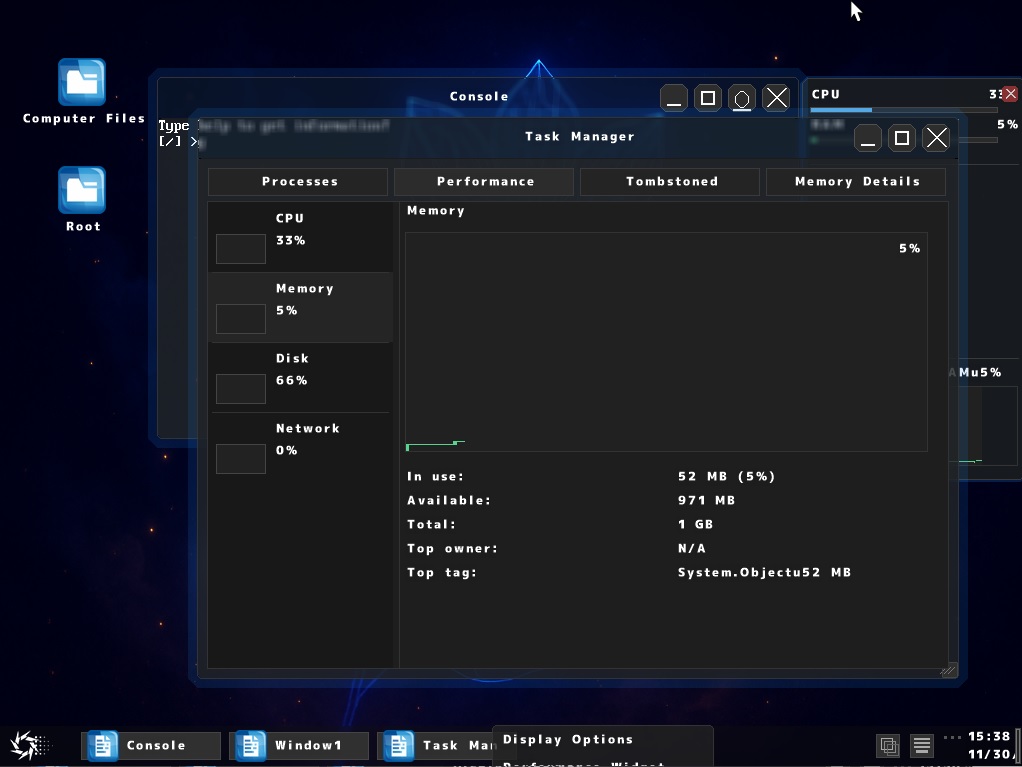
Task Manager - Memory Details
View detailed memory usage by owner and allocation tags
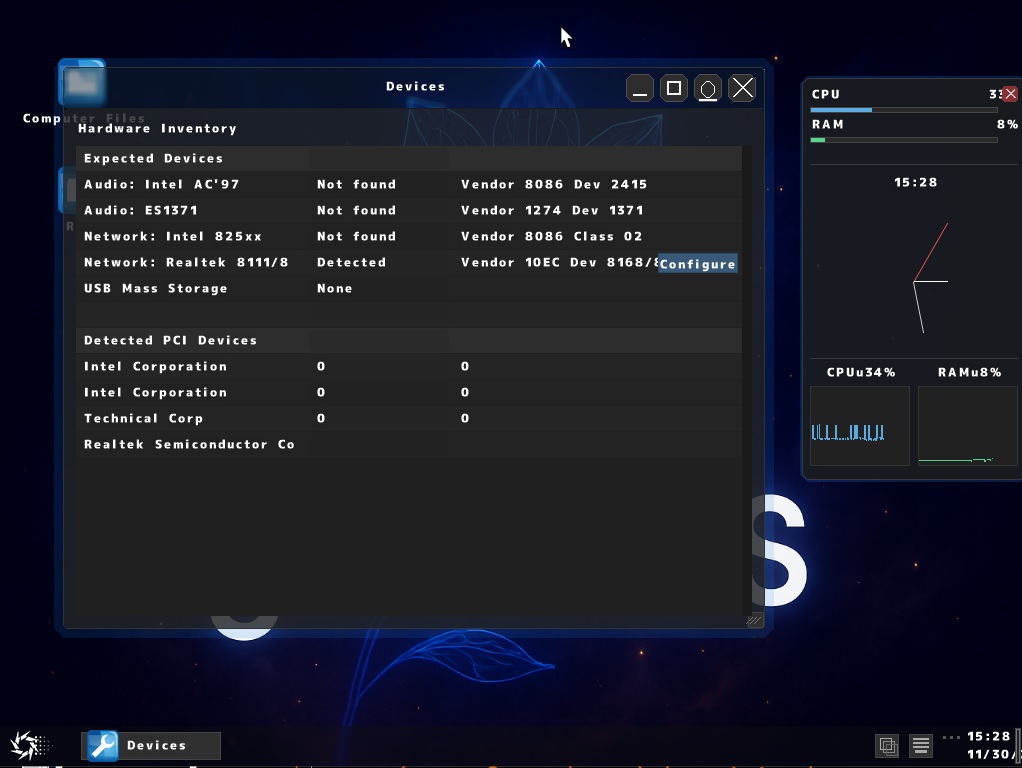
Devices
View all detected PCI devices and hardware information
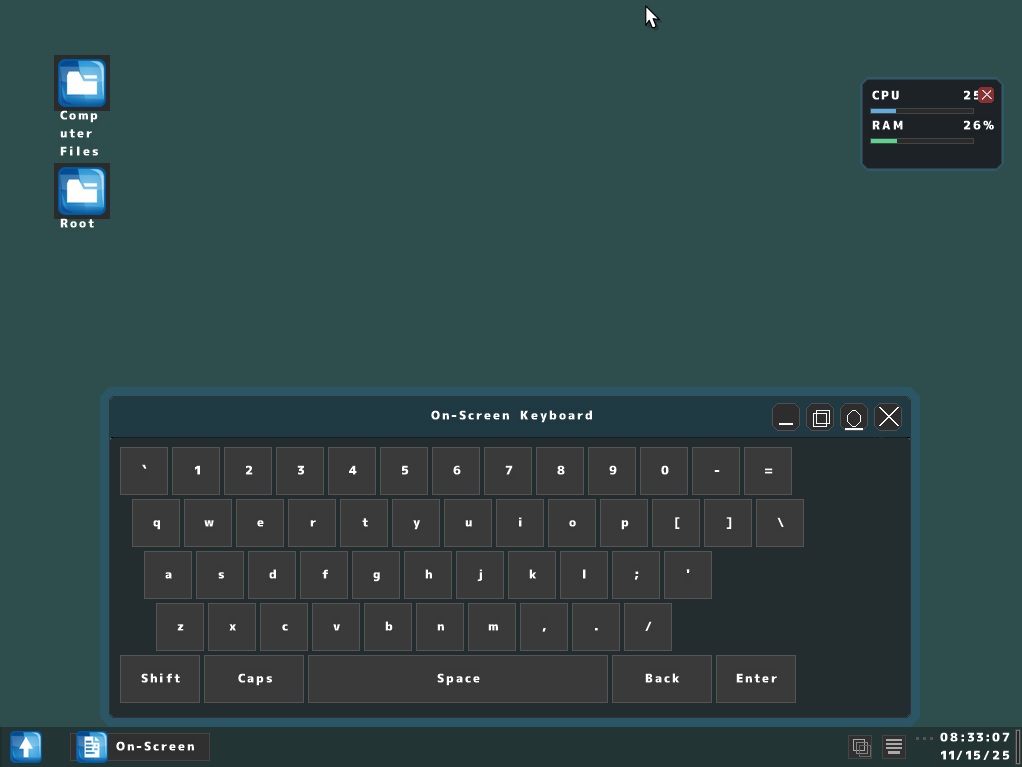
On-Screen Keyboard
Virtual keyboard for touch input or accessibility
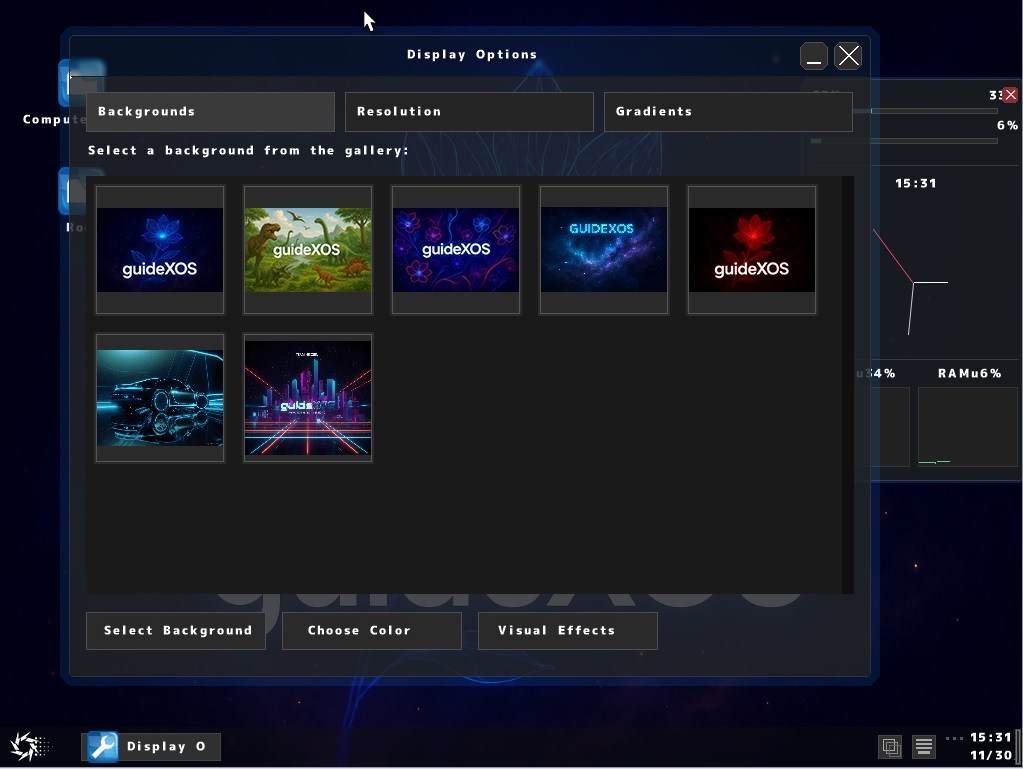
Display Options
Configure resolution, backgrounds, gradients, and fonts
Clock
System clock displaying current time
Like what you see?
Try it for yourself
Download guideXOS, or guideXOS Server and run it in your favorite virtual machine.
Download guideXOS Read Wiki